Skip to content
Mano

Private pilot · Invite only

Your day, in hand.

An AI assistant that lives in your WhatsApp and on your phone. It sums up your chats, understands your voice notes, talks to you out loud and gets things done for you — always with your permission.

  • Reads only what you allow
  • Never sends anything without your OK

Works with what you already use

  • WhatsApp
  • Gmail
  • Outlook
  • Google Calendar
  • Google Meet
  • YouTube
  • Spotify
  • Waze
  • Google Maps
  • Android
Brands belong to their owners. Mano is not affiliated with them.

The app, as it is

Real Mano screens.

What you see here is the app running, with sample data.

01 / 05

Voice

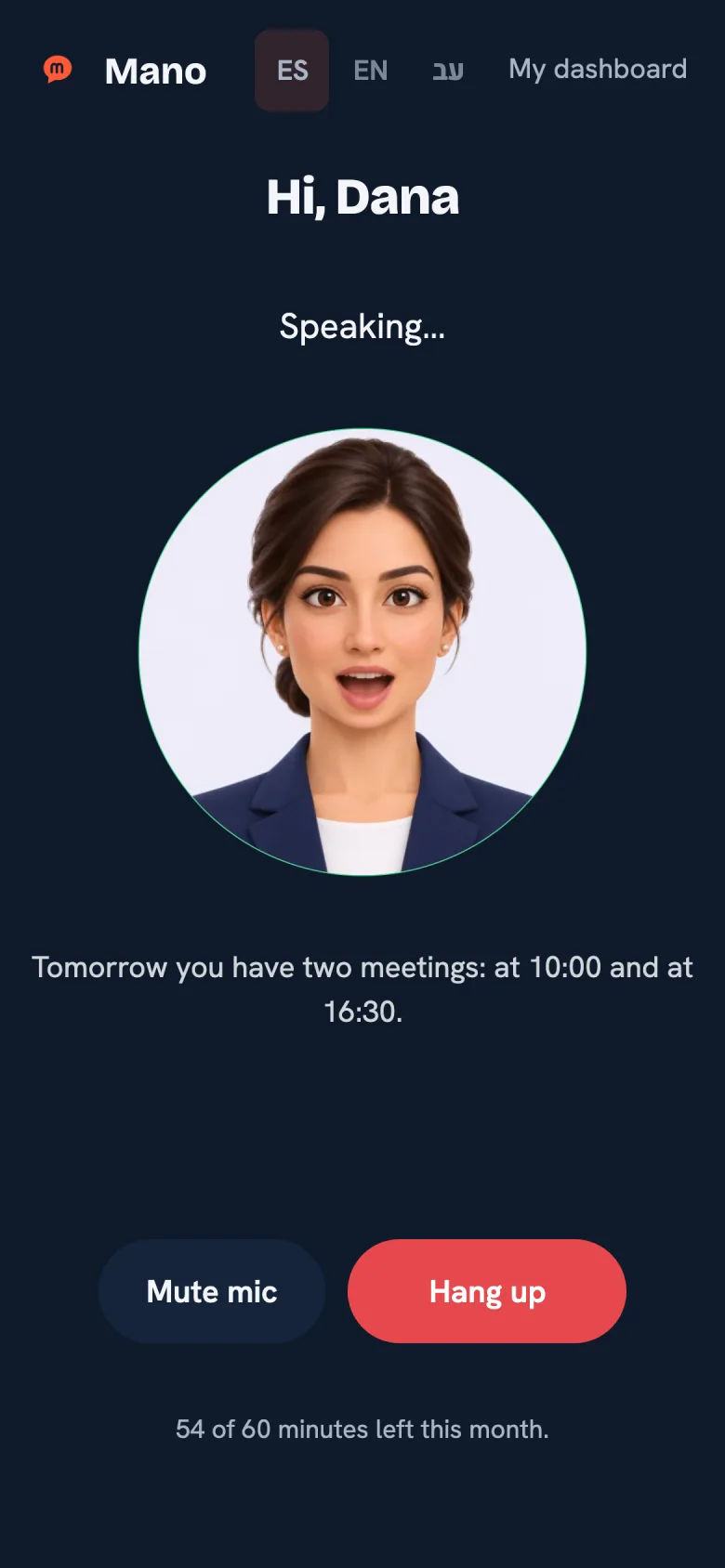
One tap and you’re talking to Mano

Open Mano, tap the button and talk like on a call. From your browser or from the Android app.

Web and Android
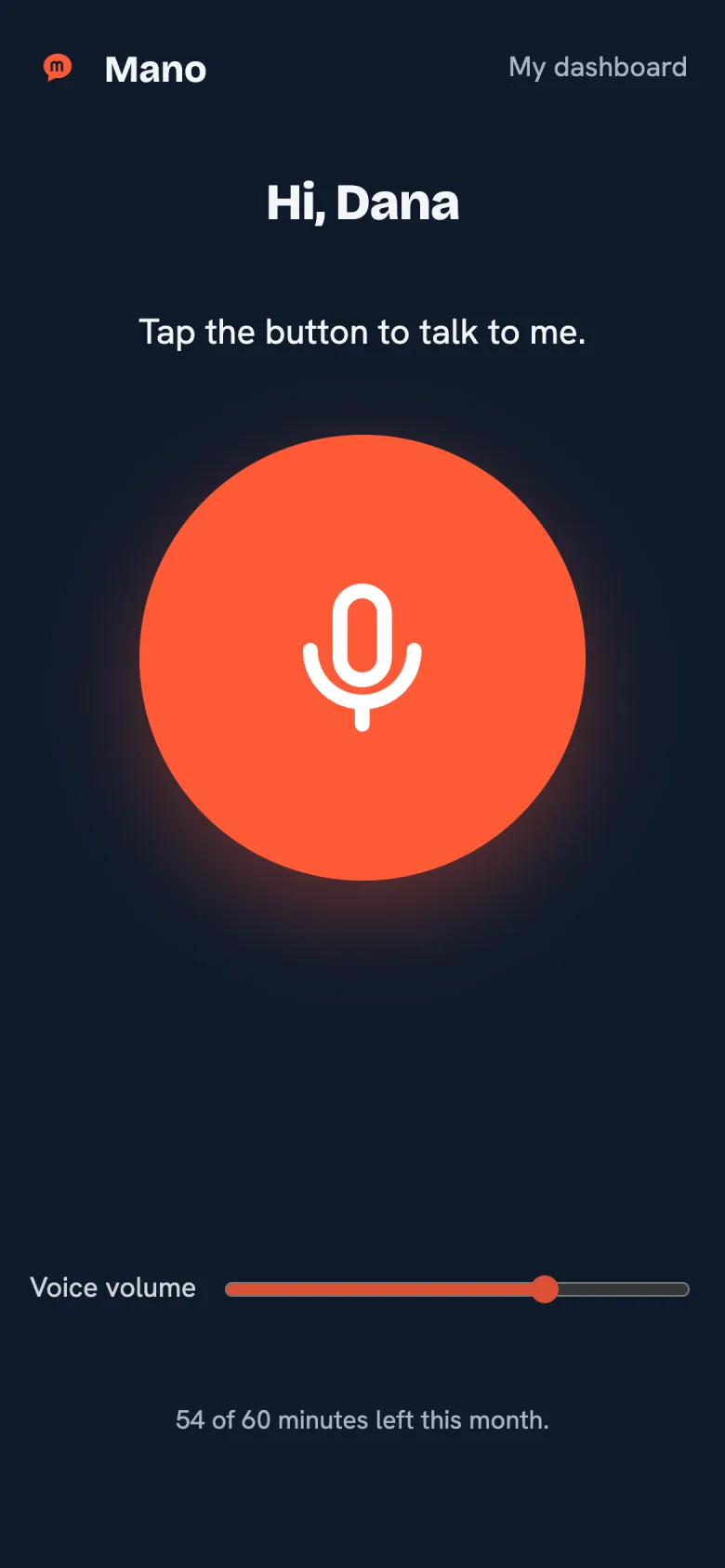
Real screenshot of the Mano app: One tap and you’re talking to Mano

02 / 05

Conversation

It answers out loud

Ask what happened in a group, what’s on tomorrow or who’s waiting on you. It tells you by voice, and you see it written on screen.

Web and Android
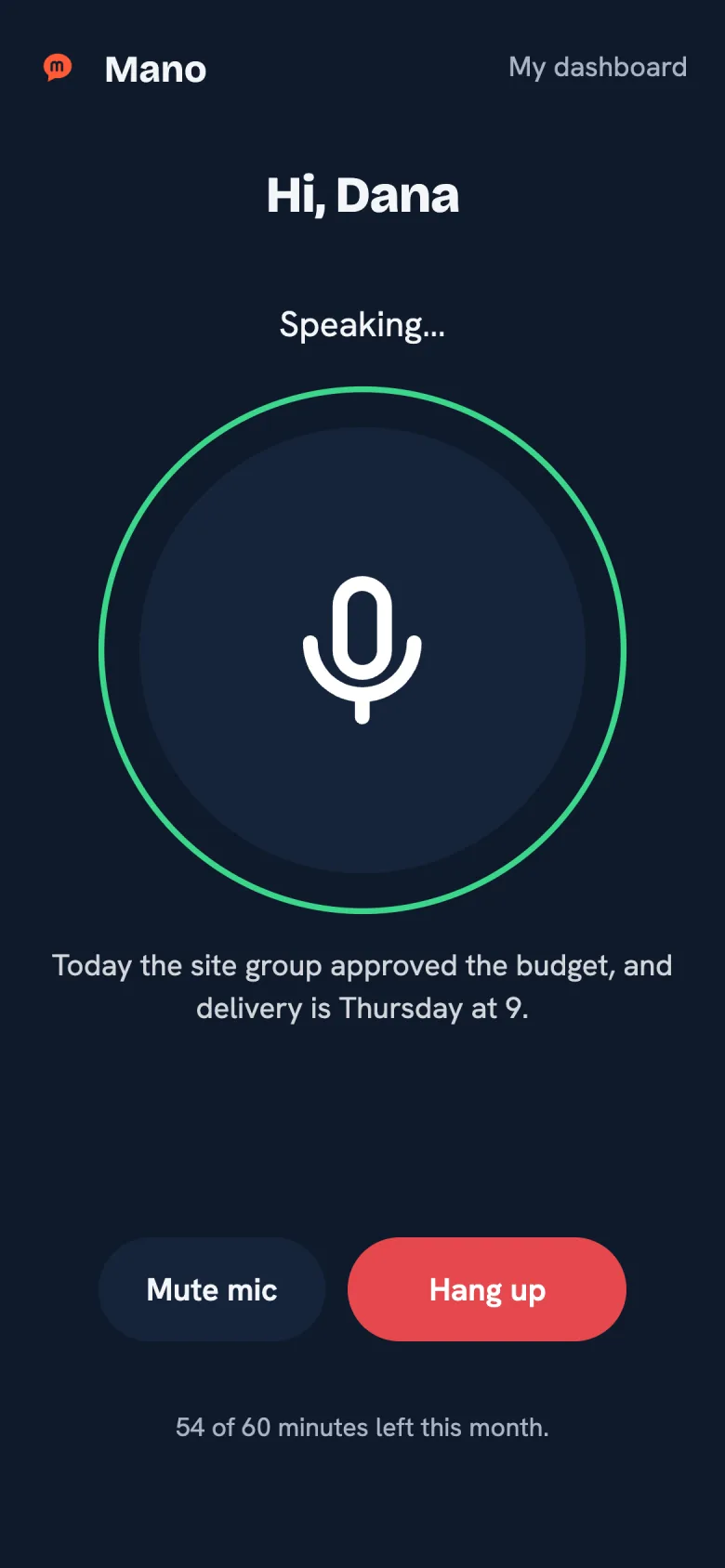
Real screenshot of the Mano app: It answers out loud

03 / 05

Internet

It searches the web and shows you what it sees

Ask for the weather, a news story or opening hours. Mano searches, reads the page and shows it to you while it explains. Web search is off by default: you turn it on in your dashboard.

Web and Android
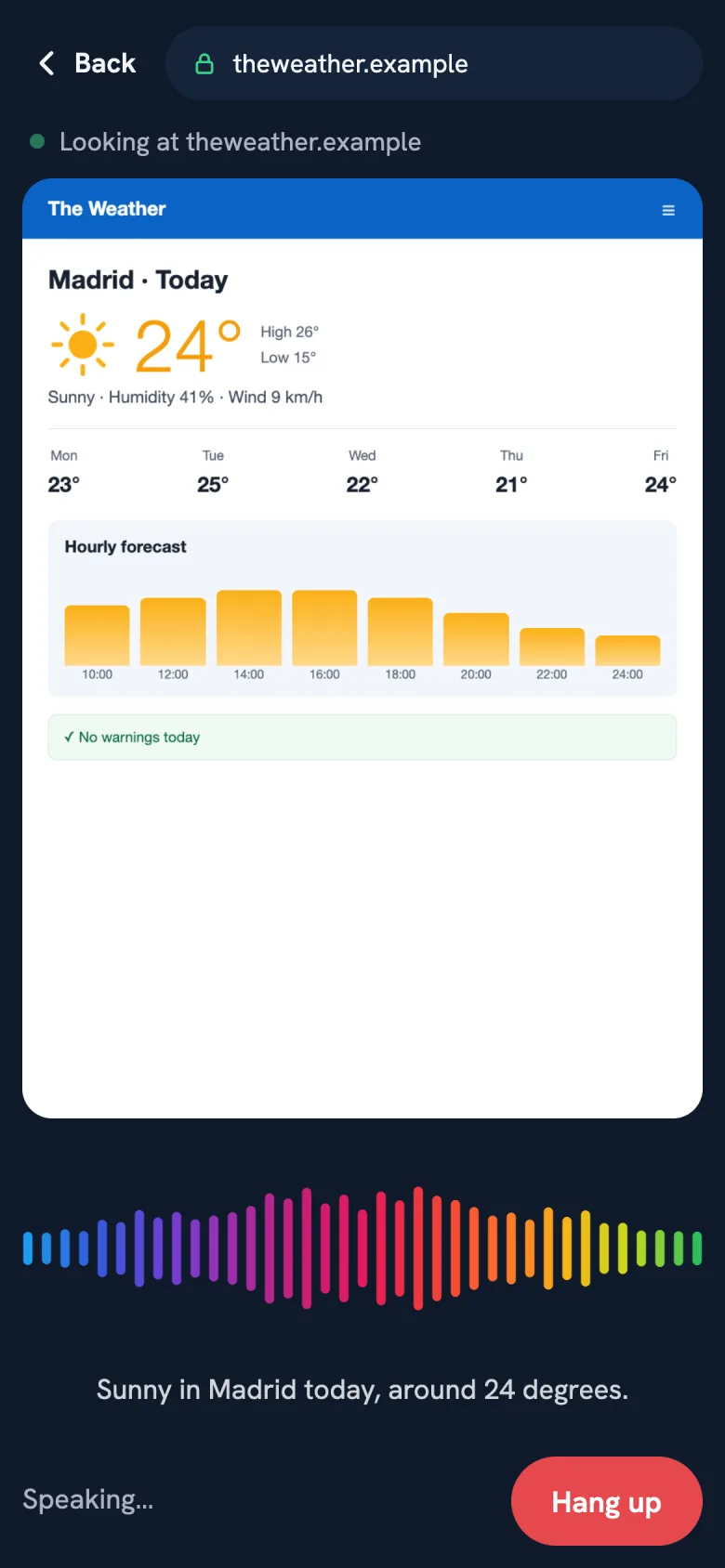
Real screenshot of the Mano app: It searches the web and shows you what it sees

04 / 05

App integrations

Your phone, by voice

Music on YouTube or Spotify, directions with Waze or Google Maps, calls, alarms and volume. You choose, one by one, which apps it can use.

Android only
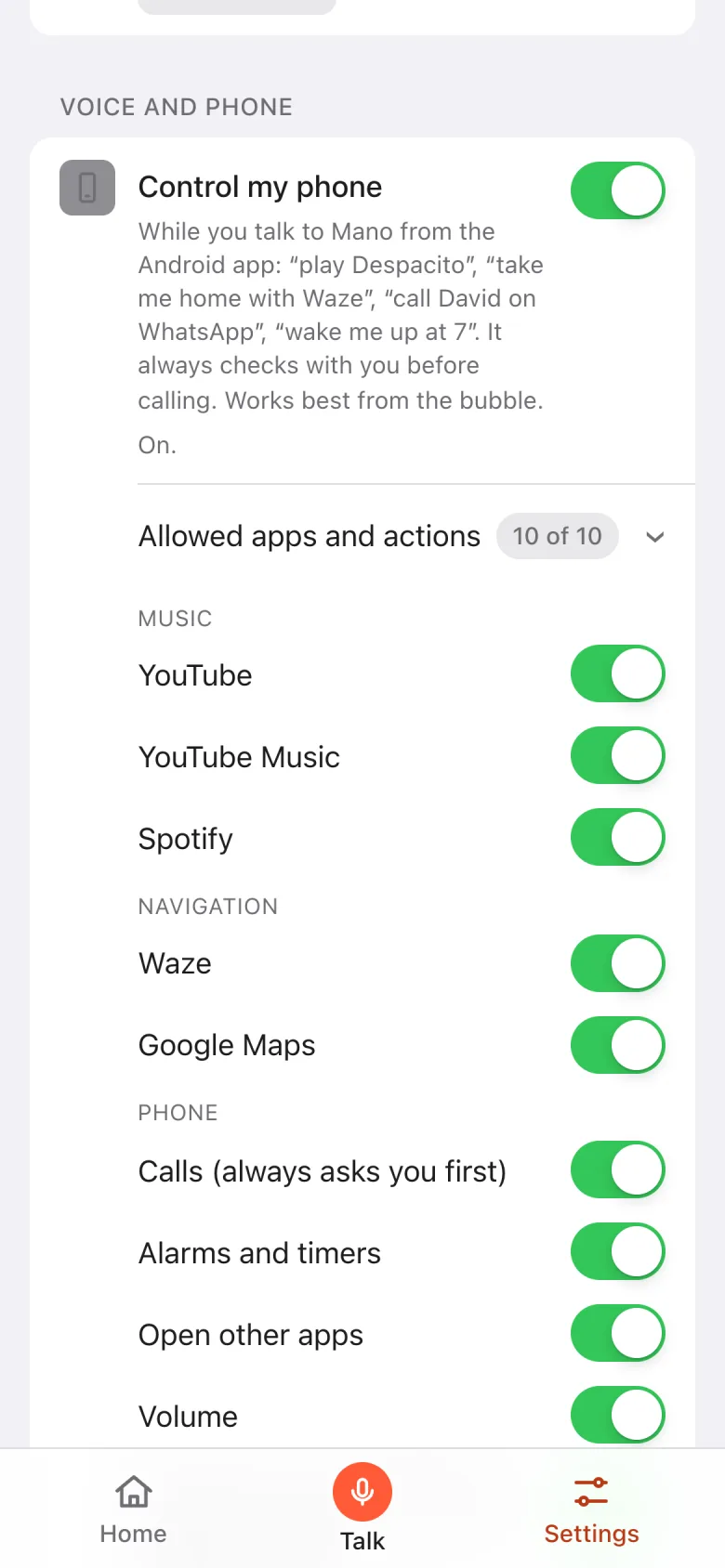
Real screenshot of the Mano app: Your phone, by voice

05 / 05

Alerts

It tells you what matters

VIP people and groups, mentions, replies and keywords, with quiet hours. Reading alerts aloud requires the Android app.
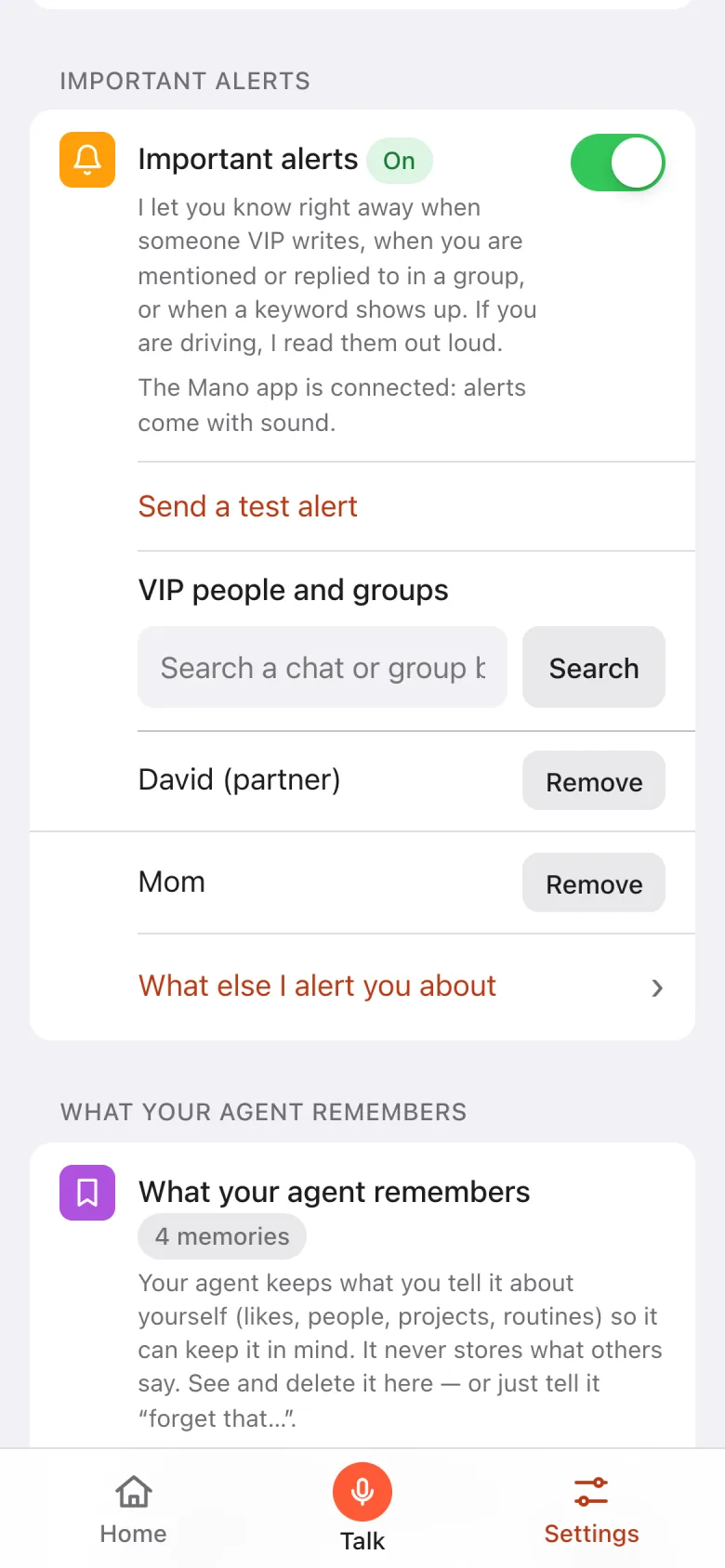
Real screenshot of the Mano app: It tells you what matters

Your assistant

Give it a face and a voice.

Pick a character to talk to you, or keep the usual waves. Choose its voice too, a woman’s or a man’s, and listen before you decide.


  • Sofía
  • Daniel
  • Maya
  • Leo
  • Robot
  • Five characters and the classic waves
  • Six voices, with a sample to listen to
  • Change it anytime in your dashboard
Real screenshot of the Mano app with the character speaking

In your WhatsApp

Message yourself. Mano answers.

Nothing to install: Mano lives in your chat with yourself.

Summaries

Catch up without reading 300 messages

Get the gist of any group or chat: what was decided, which dates matter, who mentioned you and what’s still open.

Illustrative example

Voice notes

Voice notes, understood in many languages

Mano transcribes and understands the voice notes you get — in Hebrew, English, Spanish, Russian and many more — and tells you what matters.

Illustrative example

Your day

Your daily briefing, on your schedule

One-off or daily reminders, and a briefing with your calendar, who’s waiting on you and your recent unread emails, depending on the access you enable. Straight to your WhatsApp.

Illustrative example

And all of this too

  • Who’s waiting on youSee who’s waiting for your reply — and who still hasn’t gotten back to you.
  • Search your chatsFind that account number, that address or that exact sentence — with the chat and the date.
  • Replies for youSay “tell David I’m running late”: it shows you the draft and only sends it once you confirm with a code or, by voice, with a word. Off until you turn it on.
  • Photos & PDFsSend a photo, a screenshot or a PDF, and Mano tells you what it says.
  • Several email accountsConnect your personal and your work email, from Gmail or Outlook. Mano searches all of them and tells you which account each email is from.
  • Meetings with a linkAsk for a meeting and it creates the event in your calendar with its Google Meet link, ready for you to share.
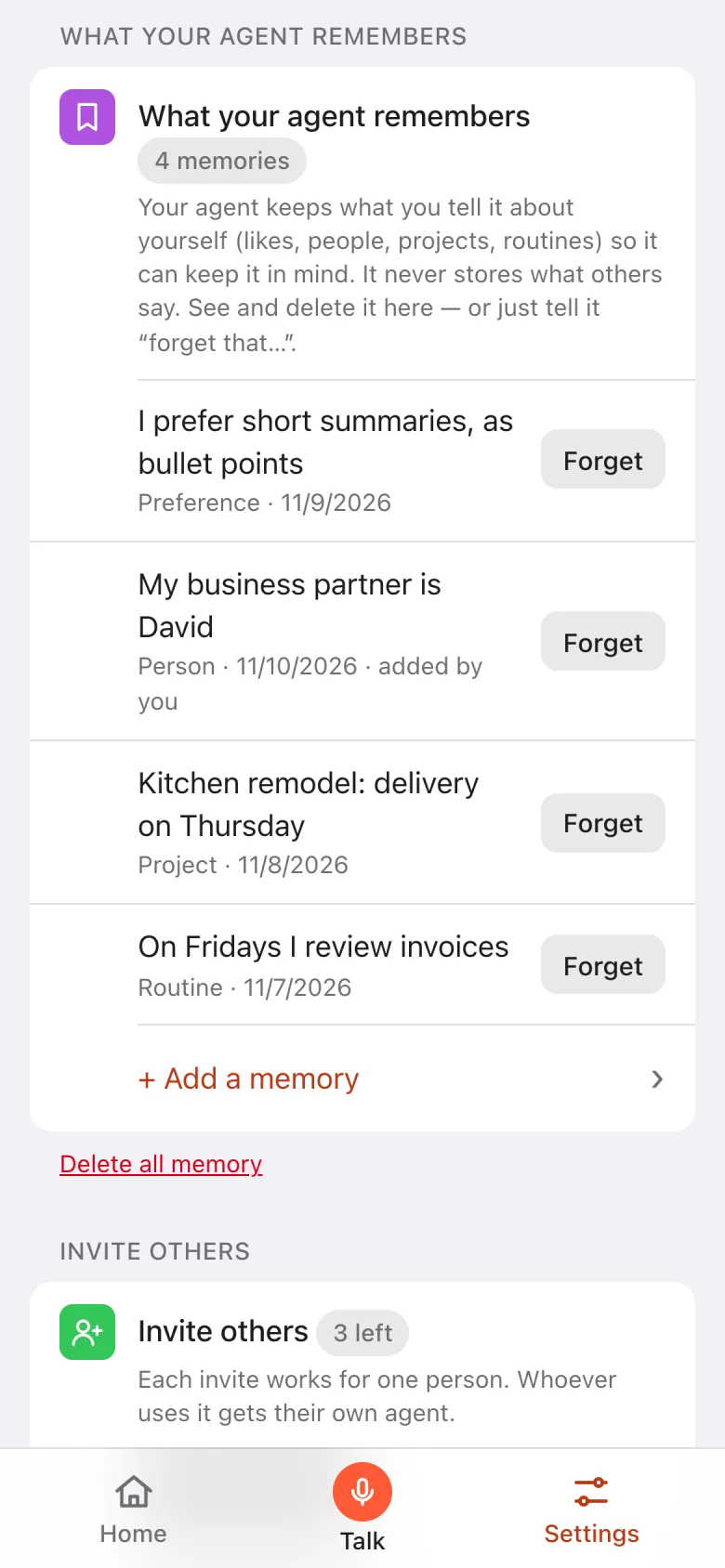
  • Remembers what you tell itYour preferences, the people who matter, your projects and routines. See it all in your dashboard and delete anything, anytime — or just say “forget that…”.
  • Android app with a floating bubbleTalk to Mano in real time from a bubble that floats over any app.
  • Help inside your appsOn Android and with your permission, Mano reads the screen, taps and types in the apps you authorize. Strict mode asks for confirmation before every tap; outside it, some actions may go undetected.
  • In your languageThe website and the app come in Spanish, English and Hebrew. Mano answers in the language you speak to it.
  • Always up to dateThe Android app finds its own updates and verifies them before installing.
  • Secure sign-inNo passwords: sign in with a code sent to your own WhatsApp.

Privacy & security

You connect. You authorize. You confirm.

Mano is built to see as little as possible and never act behind your back. No fine print — just the facts.
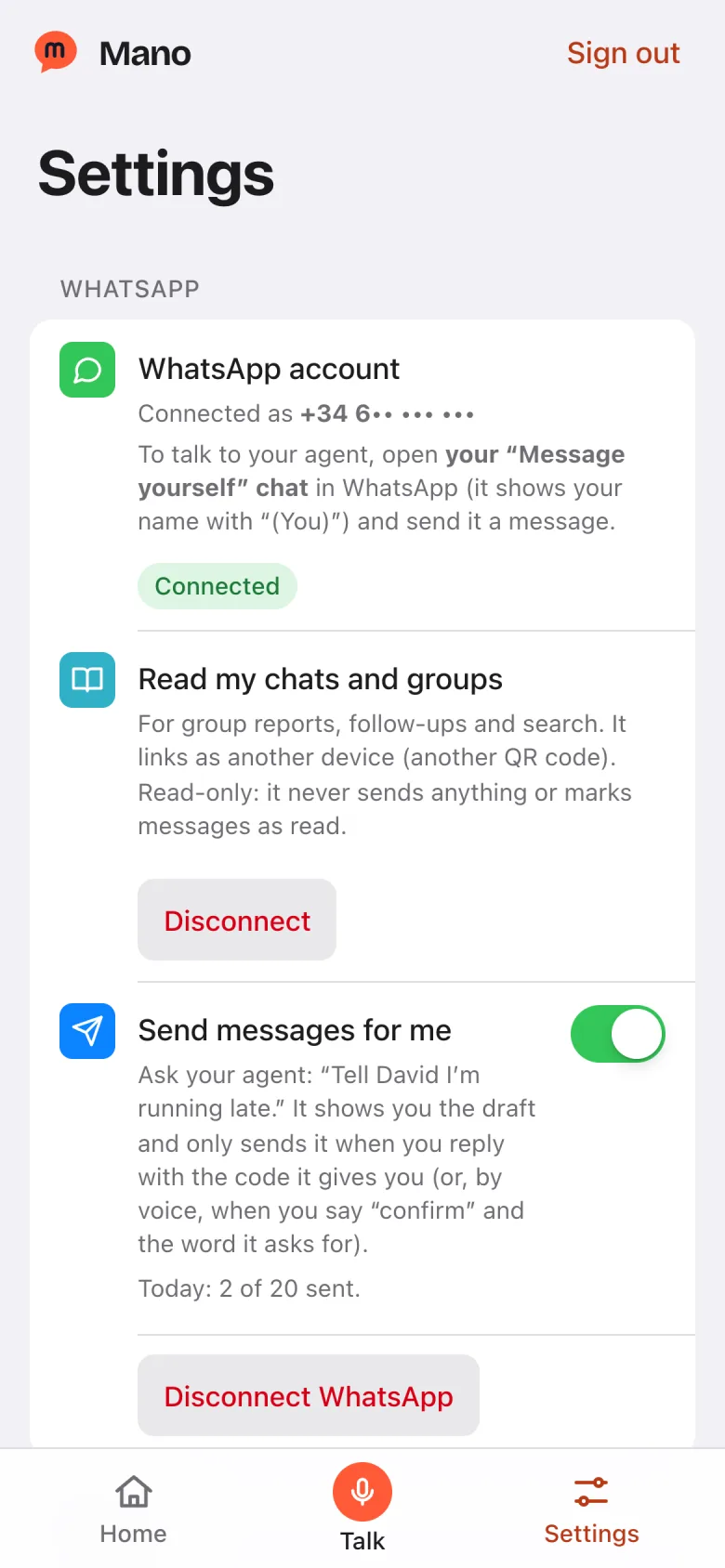
  • You connectConnect WhatsApp and Google. Choose Gmail and Calendar permissions separately.
  • You authorizeManage features in your dashboard and allowed apps in the Android app.
  • You confirmBefore sending a message or placing a call, Mano shows it to you and waits for your confirmation.
Real screenshot of the Mano app: You connect
Real screenshot of the Mano app: Remembers what you tell it
  • Per-feature permissionsTurn on each kind of access separately — chats, Gmail, calendar — and revoke it anytime from your dashboard.
  • Actions under your controlReplying for you is off by default and requires you to confirm each draft. Calls ask for your confirmation too.
  • An isolated agent for each personYour agent is yours alone and runs separately from everyone else’s.
  • Encrypted Google keysStored encrypted on our server. Your agent never holds them.
  • Your data isn’t for saleAnd we don’t use it for ads or to train AI models.
  • Deleted within 45 daysAsk us to delete your account and your data is erased — backups included — within 45 days.
Read the privacy policy

For your real day

With Mano you can finally

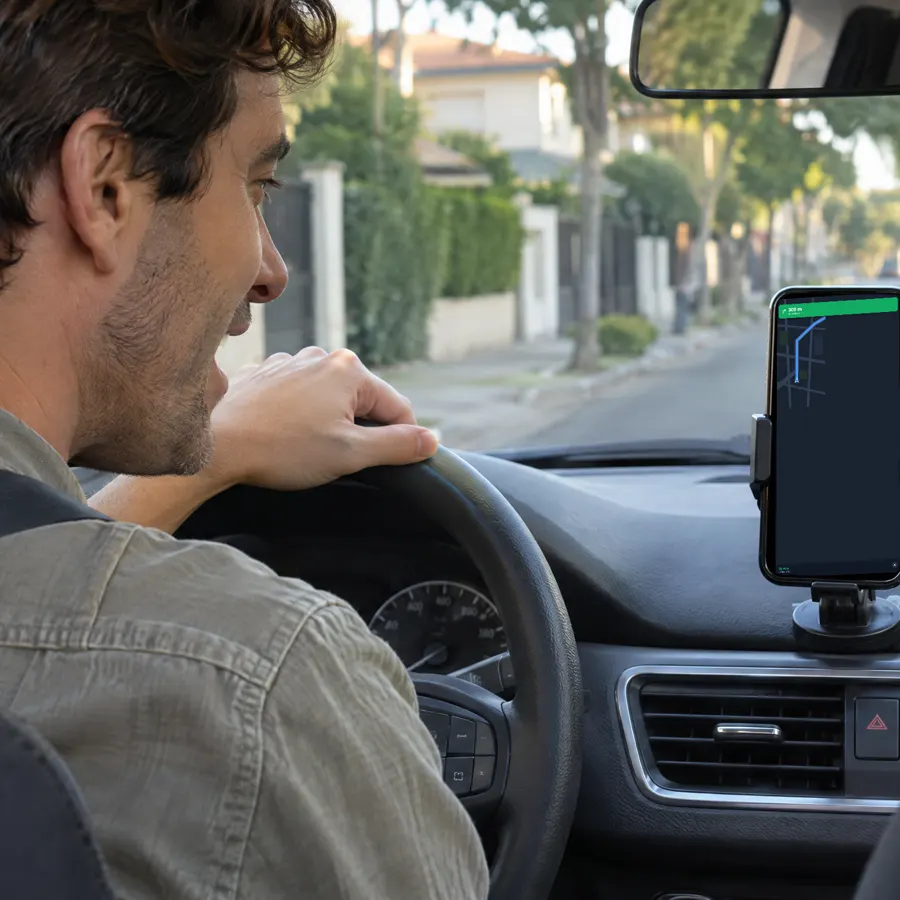
Driver in a parked car talking to the phone on the dashboard, which shows a route

Get in the car and ask for the route

«I need to get to the office.»
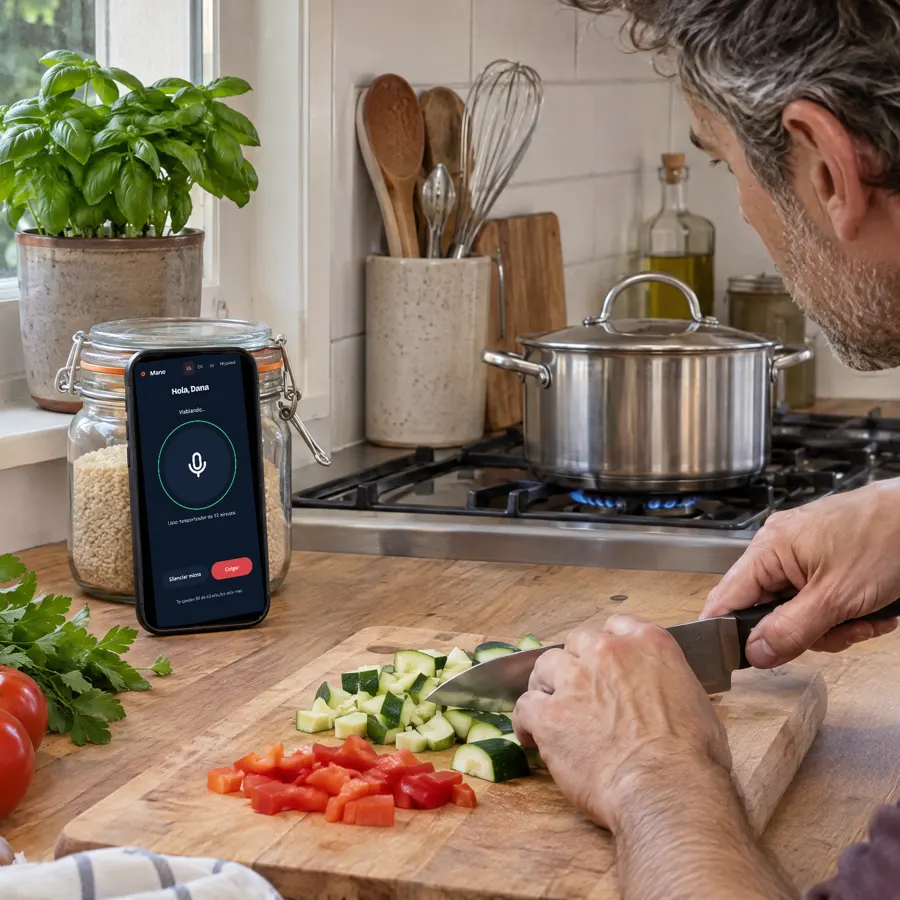
Man chopping vegetables while talking to the phone leaning on the counter, with the Mano app open

Keep cooking and just ask

“Set a 12-minute timer”
Site manager talking to his phone on a construction site

Run the site without living in the group

“Who’s waiting on a reply from me?”
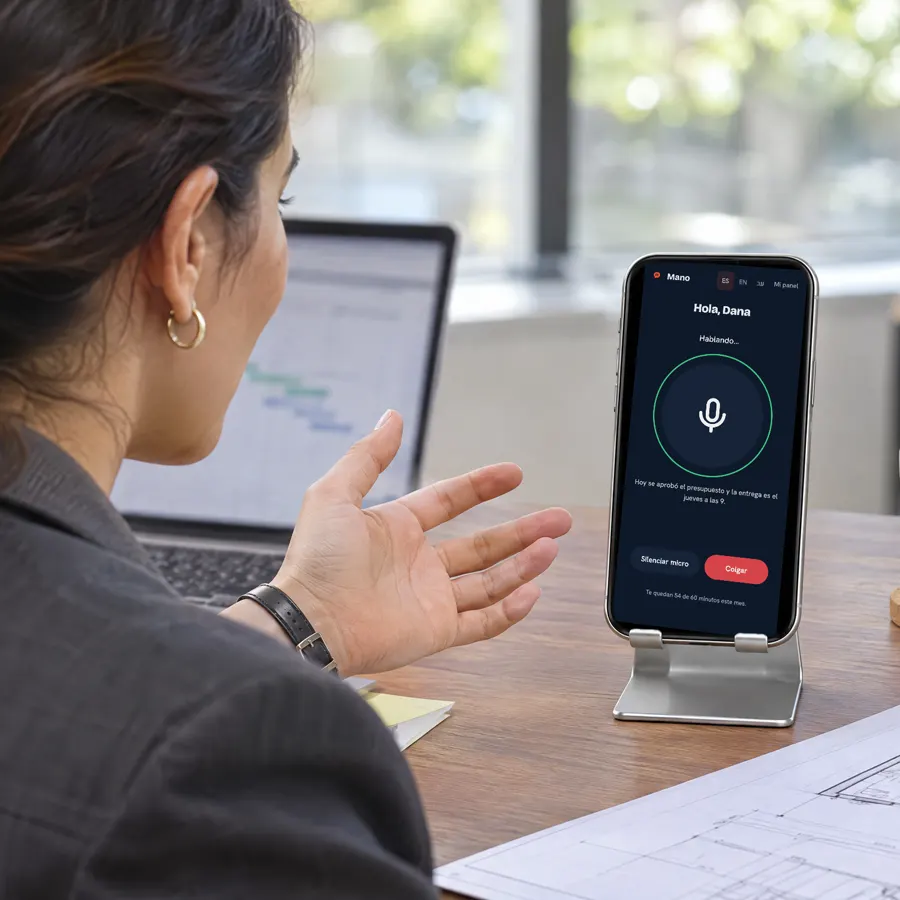
Woman at her desk talking to her phone, with the Mano app answering

Ask for the summary while you work

«Can you sum up the project group?»
Woman walking down the street with groceries while talking to her phone

Say you’re running late without typing

“Text David that I’m running late”
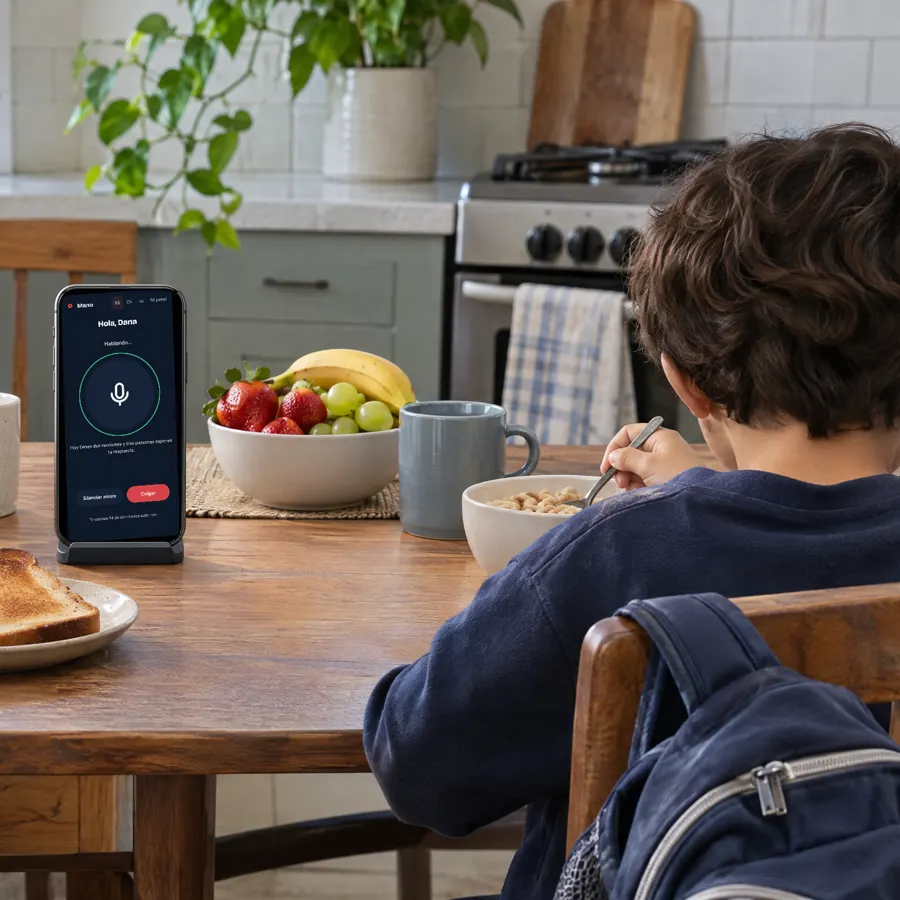
Family breakfast with a phone on the table and the Mano app open

Start the day knowing what’s on

“What do I have tomorrow?”

Photos and video on this page are illustrative scenes.

How it works

Up and running in three steps.

  1. Get your inviteMano is in a private pilot: join with a personal invite, or we’ll message you when it’s your turn on the waitlist.
  2. Link your WhatsAppScan a QR code from “Linked devices”, just like WhatsApp Web, and confirm your number.
  3. Choose what it can doTurn on only the permissions you want. Install the app on Android, or add Mano to your iPhone home screen.

That’s it: message yourself on WhatsApp, or just talk to it.

Frequently asked questions

Still have questions? Ask the person who invited you, or read our privacy policy.

Is it safe? What can it read?

Only what you turn on. It talks to you in your “Message yourself” chat; reading your chats and groups, Gmail or your calendar are separate permissions you switch on and off in your dashboard. If you disconnect chat reading, stored messages are deleted.

Does it send messages for me?

Only if you turn it on in your dashboard, and never without your confirmation: Mano shows you the draft and sends it only when you reply with the code it gives you (or, by voice, say “confirm” plus the word it asks for). Otherwise it’s technically locked.

Do I need to install anything?

No. Mano works inside your WhatsApp — just message yourself. The app is optional and lets you talk to it by voice.

Which phones does it work on?

Any phone with WhatsApp. On Android you get the app, with the floating bubble and voice control of your phone; on iPhone you use Mano from your browser and can add it to your home screen.

Which languages does it speak?

Mano understands messages and voice notes in many languages — Hebrew, English, Spanish, Russian and more — and you can write or talk to it in yours. This site is available in English, Spanish and Hebrew.

How do I get access?

Mano is in a private pilot and invite-only. If someone invited you, open their link; otherwise, leave your number and we’ll message you when a spot opens up.

How do I delete my data?

From your dashboard you can disconnect Google, chat reading or your WhatsApp at any time. If you ask us to delete your account, your agent, its history and your data are erased — backups included — within 45 days. Details in our privacy policy.

Who makes Mano?

Mano is a personal AI assistant. It works with WhatsApp but is not affiliated with WhatsApp, Meta or Google.

Stop scrolling through 300 messages. Just ask Mano.

We’re opening access gradually. Leave your number and we’ll message you when it’s your turn.

We’ll only use it to let you know.